Overview
Identity Experience Framework(IDX) is a ready-to-use solution for all the necessary actions, based on the configuration under the LoginRadius Admin Console. It is a set of registration, authentication, and related web pages such as forgot password, profile. It allows you to customize the UI and UX elements as per your requirements
It is hosted at LoginRadius, and you can perform all the actions on the Identity Experience Framework page without making any explicit configurations. On the basis of your requirements, you can modify the design and script. LoginRadius Identity Experience Framework pages are JavaScript and CSS driven, meaning most of the logic is implemented using JavaScript.
In this section, we will cover IDX customization, Usages, Feature Usecase, and Multi Branding Configuration details.
Customization
This section will cover the details about how you can customize different aspects of the Identity Experience Framework. More details can be found on the customization document here.
Usages
In this section, we will provide the details around various options available on IDX like Login, Registration, forgot password, profile page, etc, and how you can customize them as per your requirement. More details can be found on the usage document here.
Feature Usecase
This document will explain to you how you can configure various LoginRadius Features on IDX pages like social login,multi-factor authentication, etc. More details can be found in the usecase document here.
Multi Branding Configuration
On the IDX page If you want to display different branding based on how the customer got to the page will be covered in this document.
Custom Domain
If you want to use your own domain instead of the LoginRadius domain then you can use the Custom Domain feature. For more details, please refer to Custom Domain document
URL of IDX
The default URL of your IDX page will be https://<your-site-name>.hub.loginradius.com/auth.aspx where you need to replace <your-site-name> with your LoginRadius site name.
IDX Interfaces
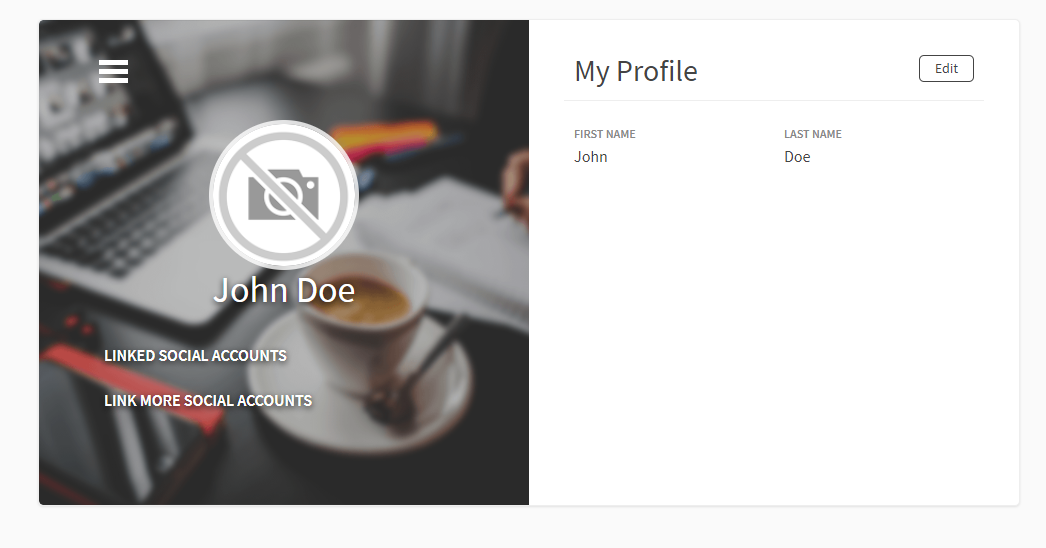
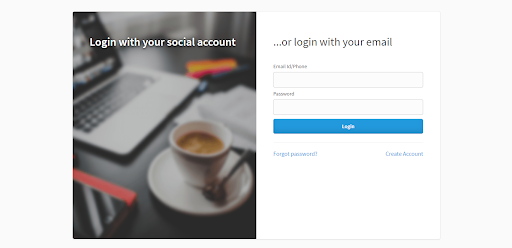
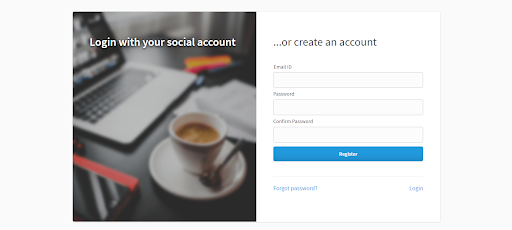
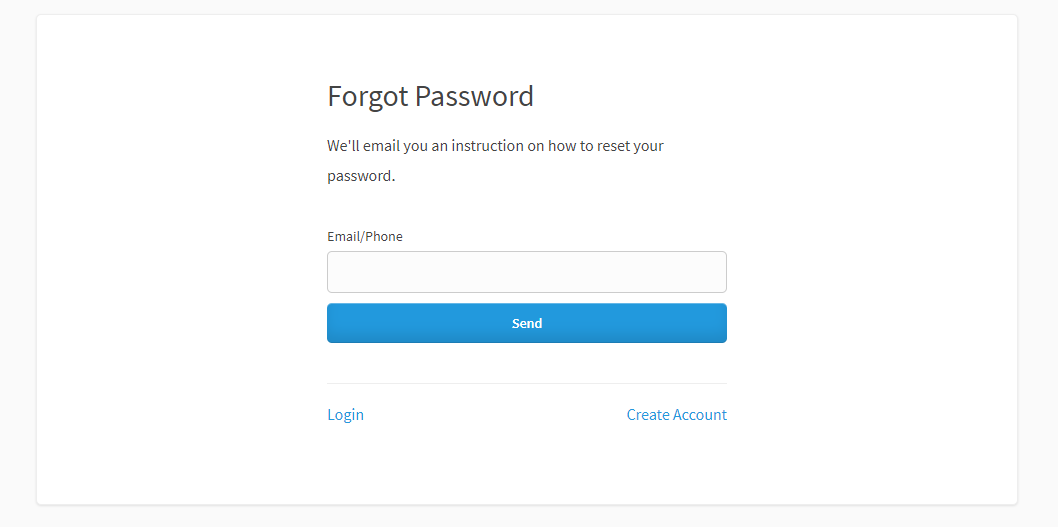
Different interfaces of IDX are shown below these are the default interfaces without any customization
Login:
Register:
Forgot Password
Profile page/update profile