Export Logs
The Export Logs option allows you to view the list of export logs. In addition, you can download the exported data file, if the link has not expired yet.
The following explains how you can access the export logs and download the data file:
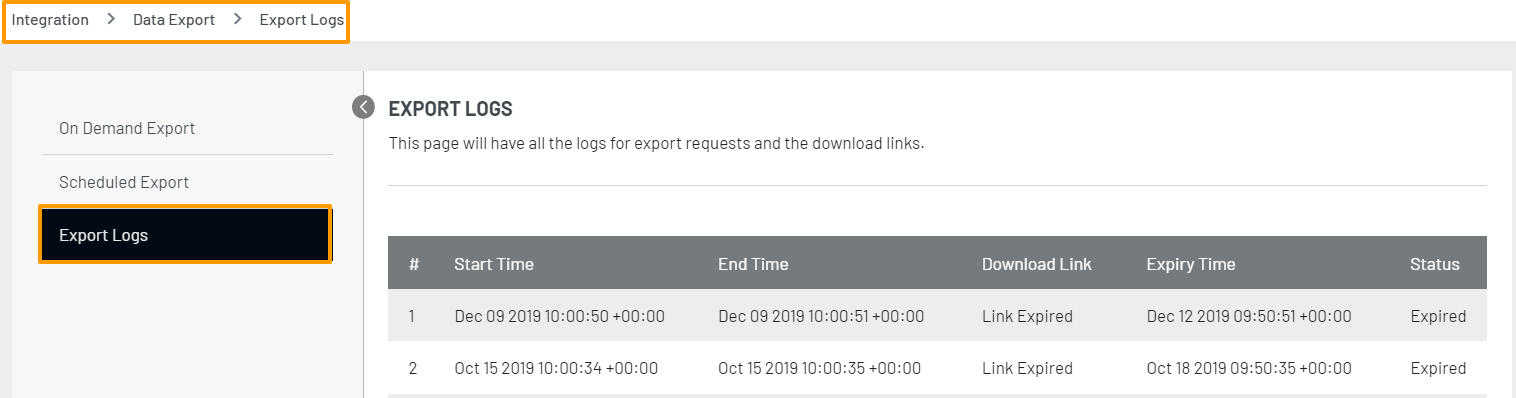
Step 1: Log in to your Admin Console account, navigate to Integration>Data Export and select the Export Logs option from the left navigation panel.
The following screen will appear:
Step 2: Click the Download option to download the export data file. Upon downloading, you can open the zip file by entering the password set while creating the respective export request.
** Note:** The download link expires in 3 days.