Passkey Authentication
Introduction
Passkey Authentication is a modern, passwordless authentication method that enhances user security and convenience. Using passkeys, users can authenticate themselves without traditional passwords, reducing the risk of password-related security breaches. This document provides a detailed overview of the passkey functionality and step-by-step instructions on configuring this feature in the LoginRadius Admin Console.
Configuration Steps
-
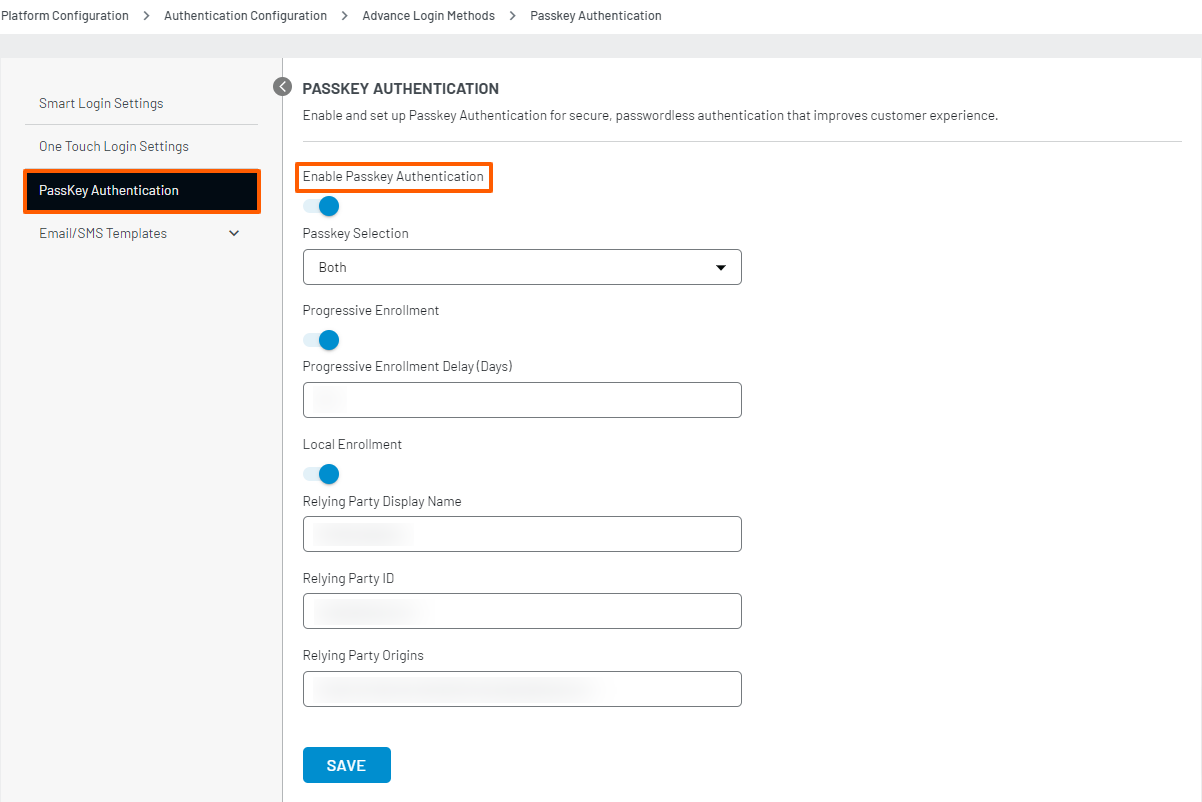
Enable the Passkey Authentication toggle.
Configure the following settings as needed:
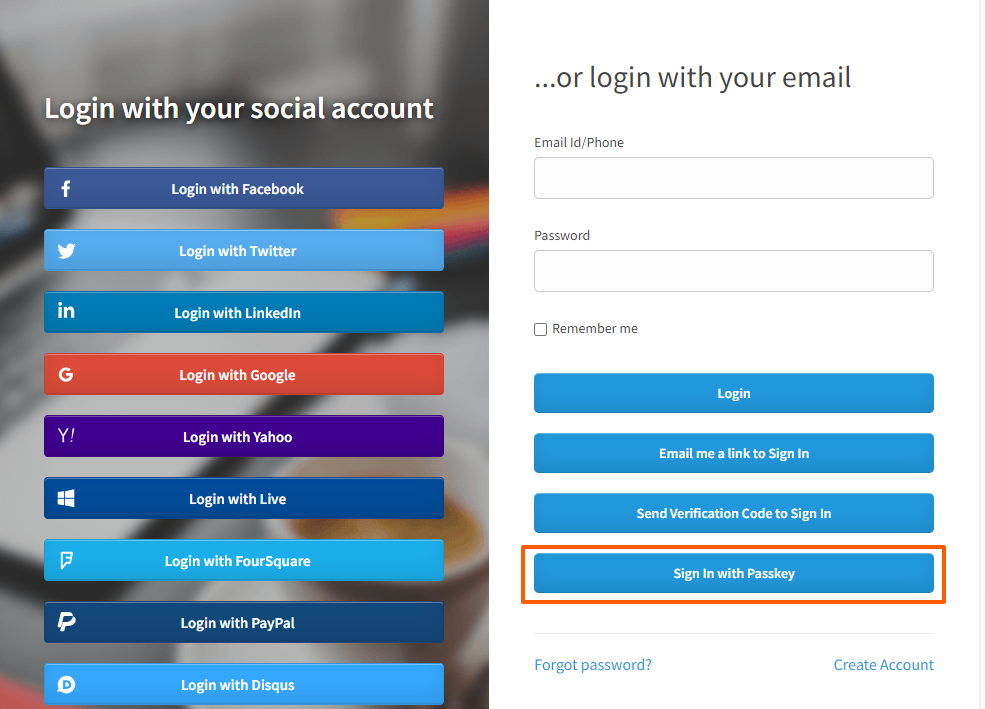
Passkey Selection: Choose between Autofill, Button, or Both. Autofill allows users to select the passkey from the autofill form, Button displays a "Sign In with Passkey" button on the login page, and Both enable both options.
-
Progressive Enrollment: Enable this option to prompt users to establish a passkey during email/password login if needed. Users can skip this step, and it will reappear after a specified delay.
Progressive Enrollment Delay (Days): Specify the number of days after which the progressive enrollment option will reappear for users who skip it.
-
Local Enrollment: Enable this to require users to generate a local passkey when logging in on a new device using a cross-device passkey. Users can skip this step if needed.
Relying Party Display Name: Enter the brand name of the relying party (website).
Relying Party ID: Enter the base domain name without schema or ports.
Relying Party Origins: Enter the exact domain name with schema and port, if applicable. Example:
https://<LoginRadius site name>.hub.loginradius.com -
Click SAVE to apply the configurations.
Functionality
Signup
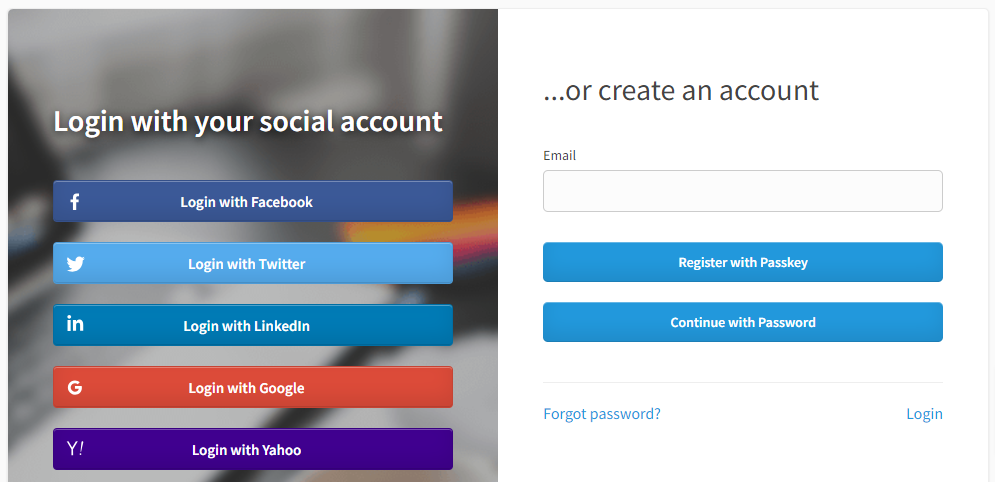
When passkey authentication is enabled, users can enter their email address and register an account using a passkey by clicking the “Register with passkey” button.
Login
Users can select the passkey from the autofill configuration on the login page or click the "Sign In with Passkey" button. They can then use their registered passkey to log in to their account.