Age Verification
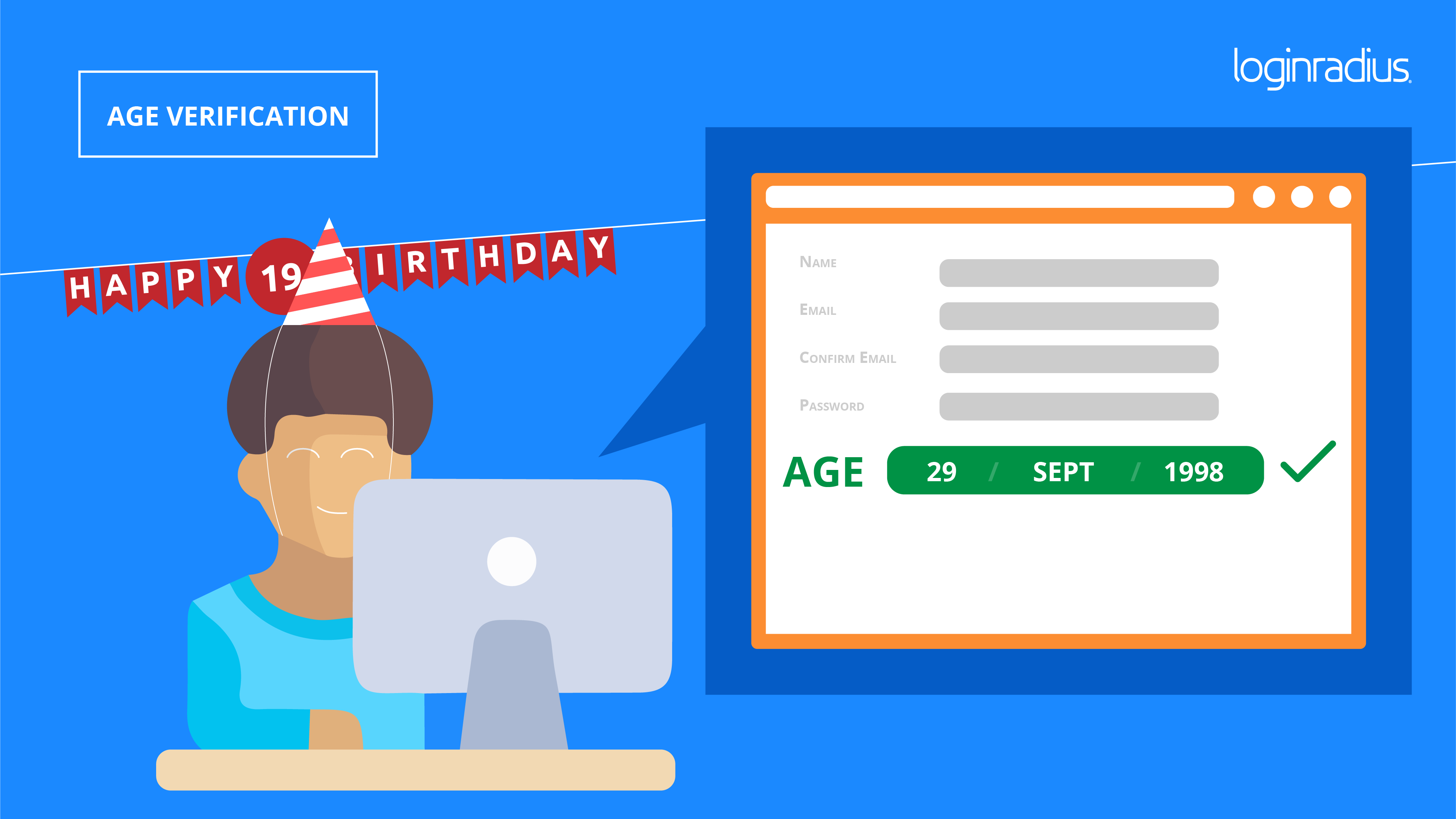
LoginRadius provides you with the capability to implement an Age Verification rule, ensuring compliance with age restrictions. When Age Verification is enabled, you can specify the required age for your users. The registration form will prompt users to enter their date of birth, and if they are below the specified age, they will be prevented from registering, accompanied by an error message.
Considerations:
-
Existing users cannot update their age to fall below the specified age restriction.
-
The use of our APIs will override age verification, allowing registration and age updates via the APIs, even for users below the specified age restriction.
To set up an Age Verification rule, follow these steps:
- Navigate to your LoginRadius Admin Console.
- Go to Data Governance > Trust Center > Privacy Center.
- Locate the "Minimum Age required to sign up" box and enter the desired age.
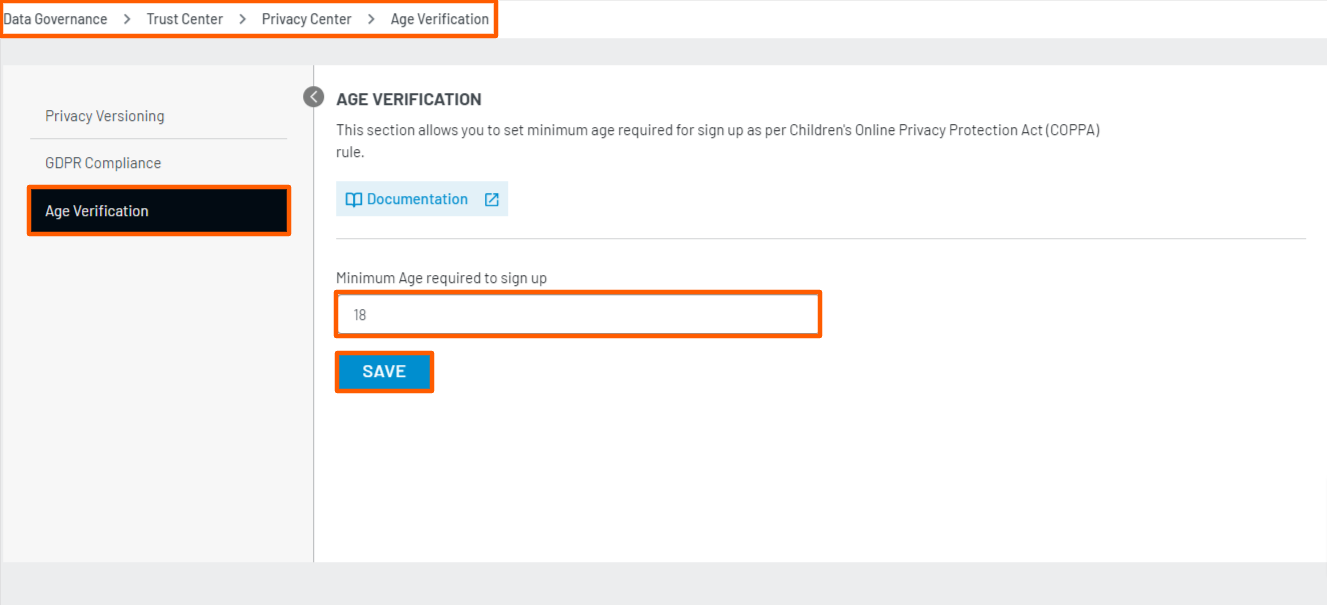
- Click on the Save button to save the settings.
Note: To enable Age Verification please contact LoginRadius.